

Tutorial · Photography
Make a contact sheet for ten almost-right photos
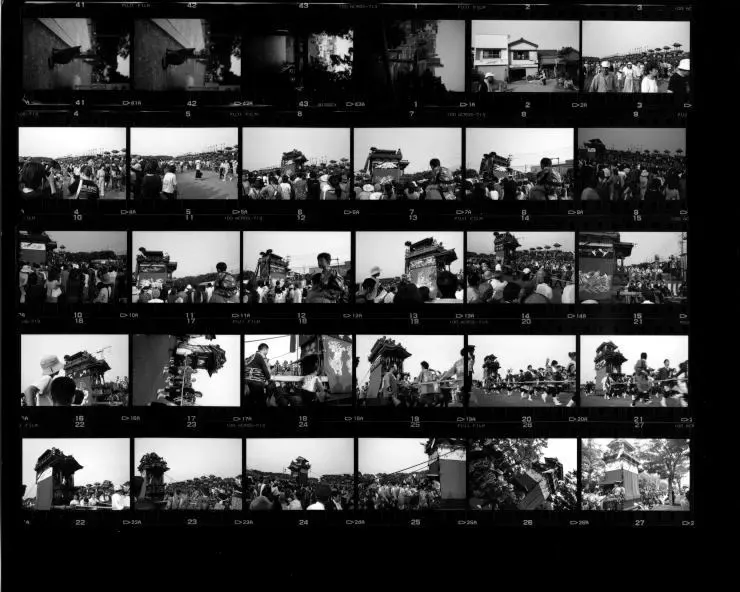
A sheet of equal-size small pictures makes gestures and distractions easier to compare.
Try it yourselfStep by step · 3
What to gather
- photo files
- contact-sheet print setting or blank document
- pencil
Arrange the files in capture order at one thumbnail size, leaving enough space for a filename or number.
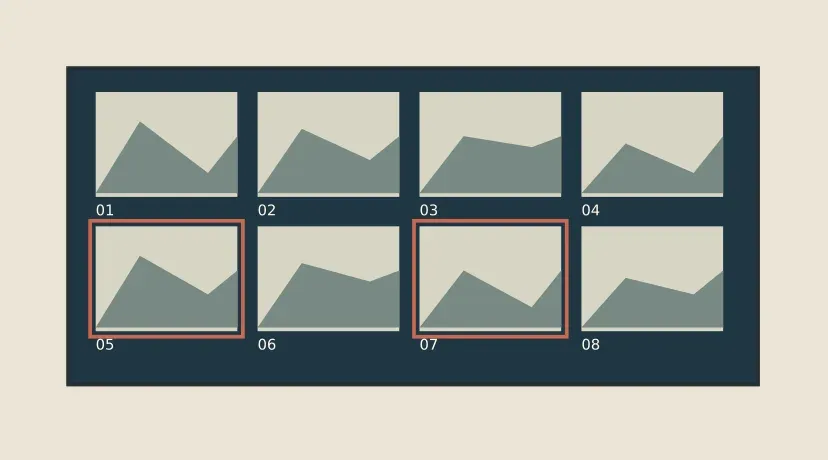
First mark frames with a clear gesture or shape. Then check the edges of each marked image for distractions.
Open just those files at the intended display size. Record the chosen filename on the sheet before printing or editing.
Use what you have · budget alternatives
Arrange thumbnails in a blank document or use your photo app's contact-sheet print option.
More about this discovery
Make the first selection at thumbnail size and reserve full resolution for the final decision.
If every file has a different crop or display size, the largest image can win by accident.
Editorial sources
From this discovery