Add a switchable track
Use the sharing platform's caption editor if it offers one. Review every line and its timing before sharing.
Solution · Everyday technology
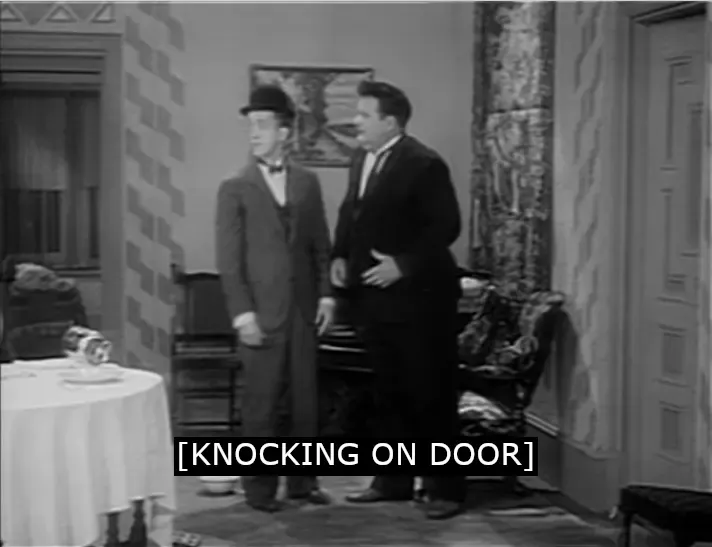
A viewer should know who spoke and which offscreen sound makes the scene funny.
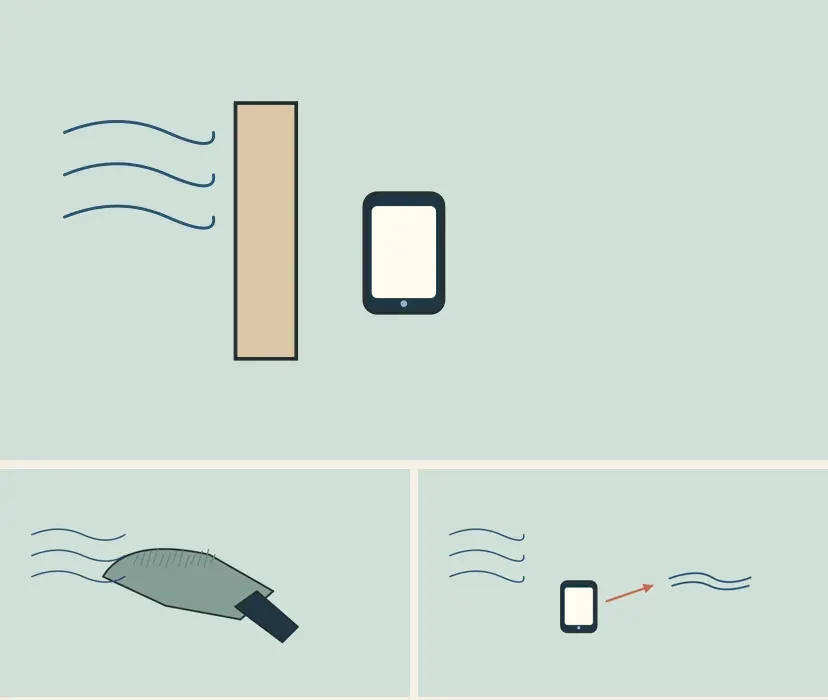
Start the stepsWrite down what disappears when the audio is muted.
Play the finished clip on a phone. Check the names, pace and caption placement from beginning to end.
Ask whether the punchline or important exchange now makes sense using only what is visible.
Use the sharing platform's caption editor if it offers one. Review every line and its timing before sharing.
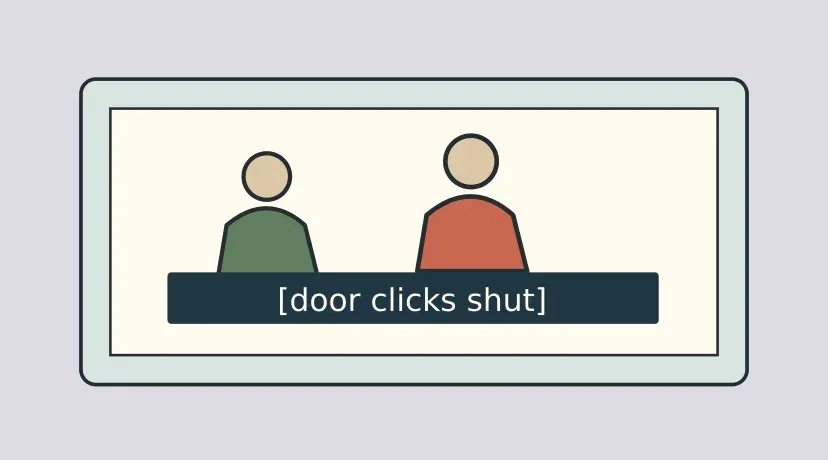
When a file will travel between apps, visible captions stay with it. Put them clear of faces and important action.
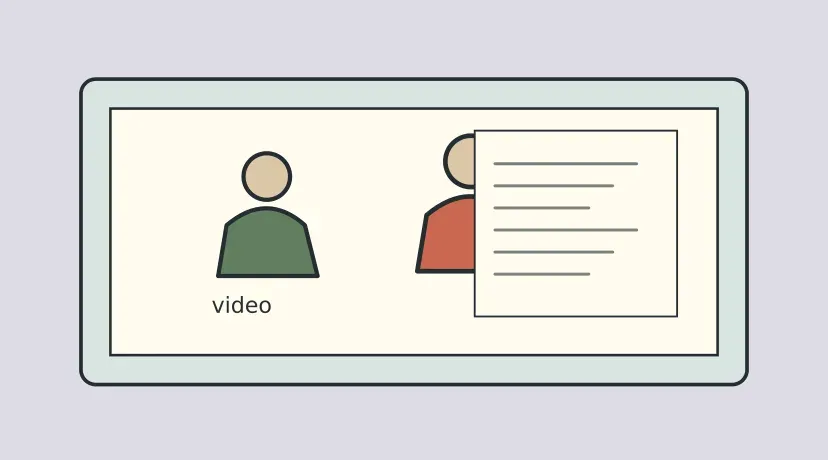
For relatives who prefer reading separately, include a transcript with speaker names and meaningful sounds. It can accompany the captioned clip.
Type short lines while listening in any editor that supports them, or send a plain-text transcript beside the video.
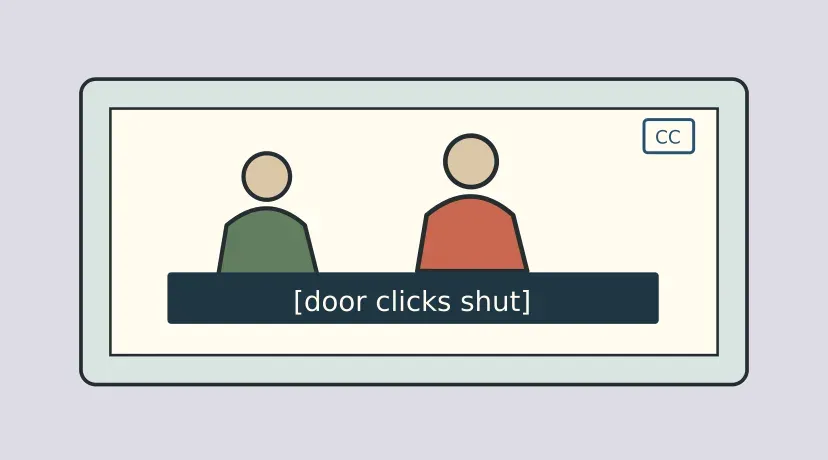
Choose a caption track, visible captions or a separate text version that fits the way you will share the video.
Automatic speech recognition can miss names, speakers and important non-speech sounds.
From this discovery